ScanMark: Drill Depth Map
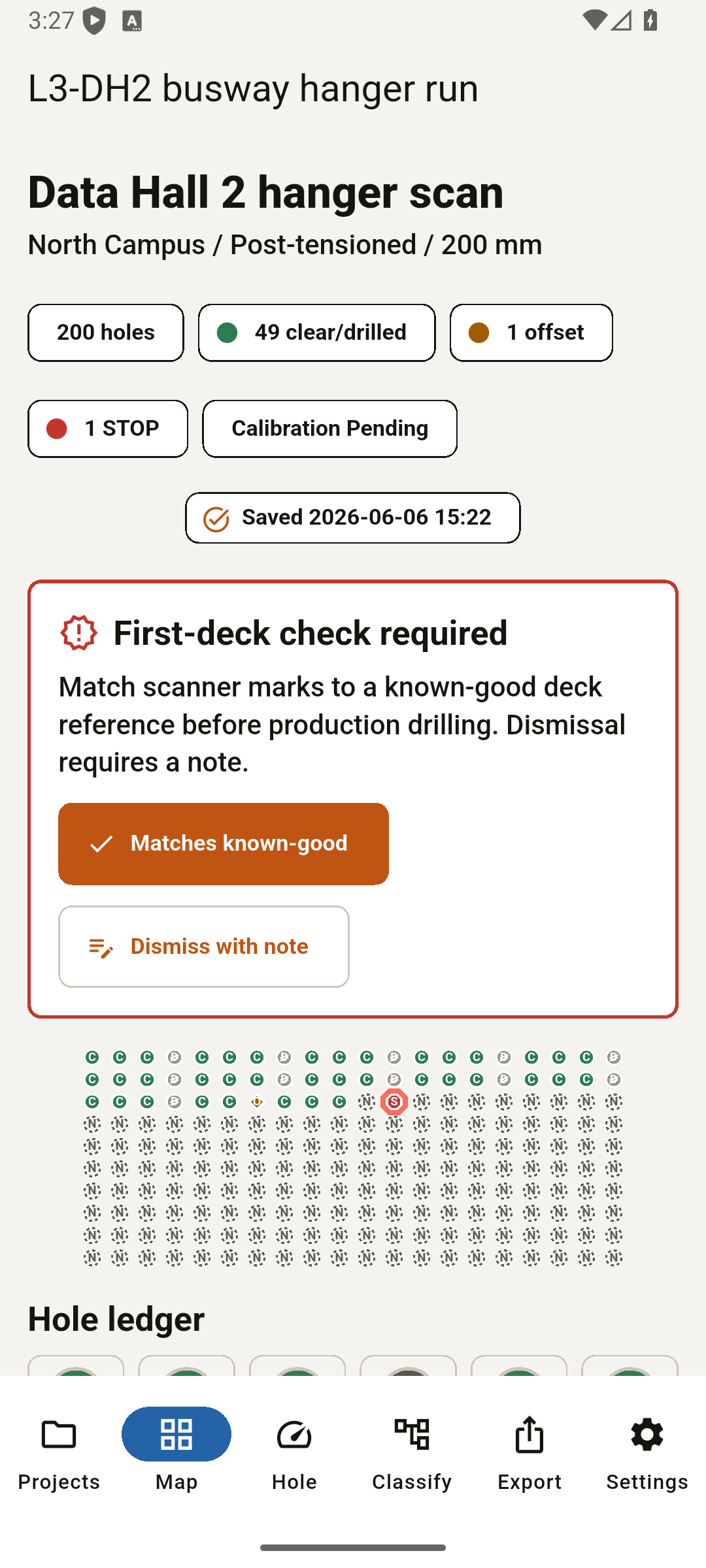
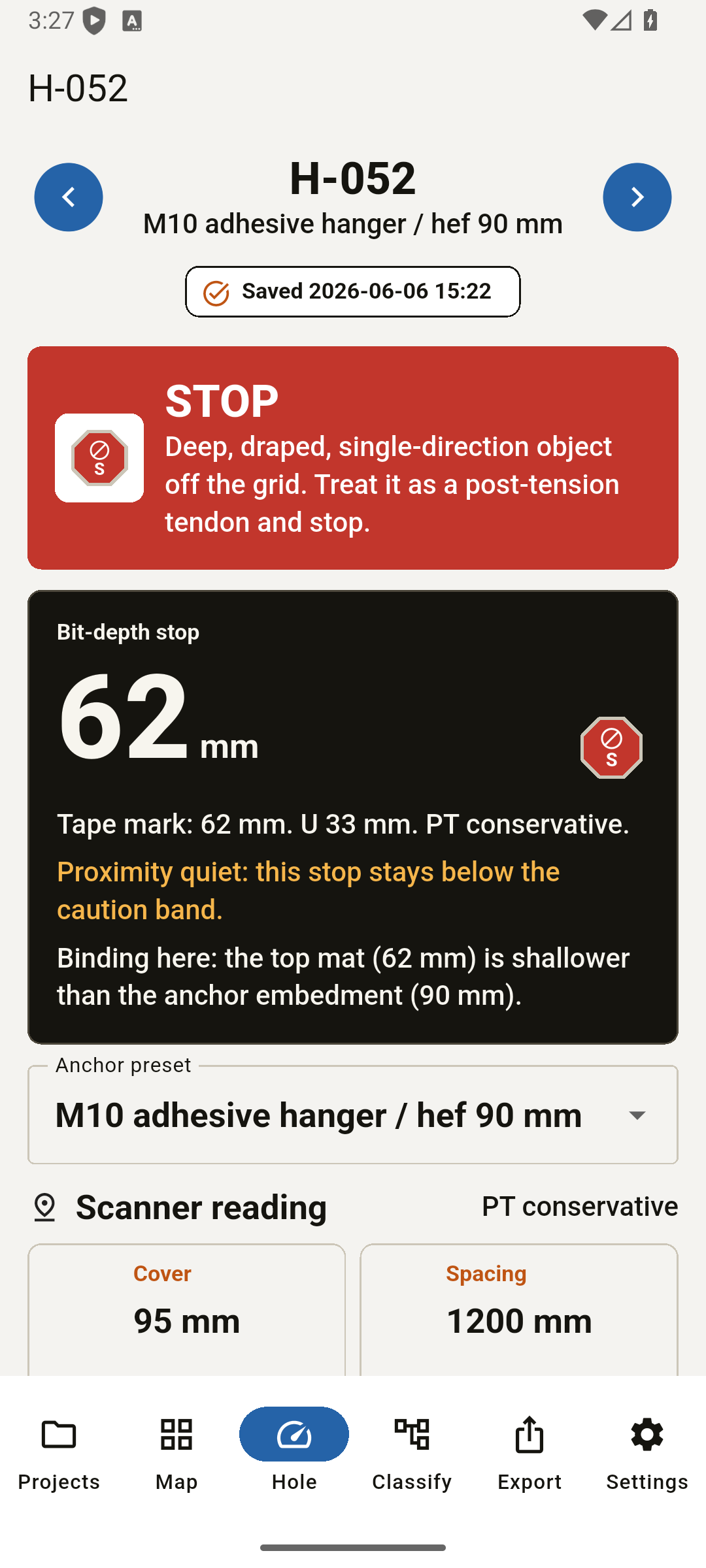
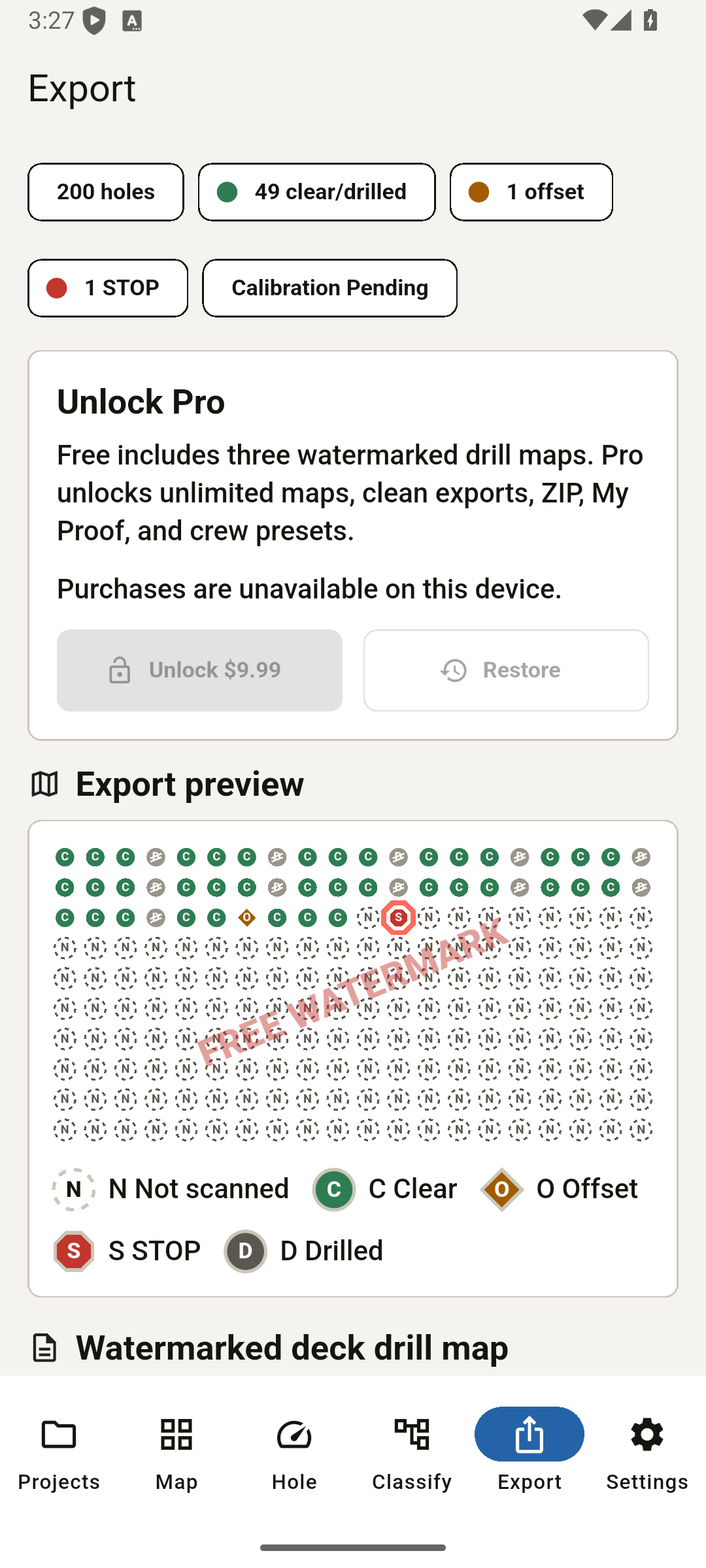
Turn concrete scanner readings into bit-depth stops, tendon STOP flags, offsets, and a hole-by-hole deck drill map.
Get it on Google Play
Field flow
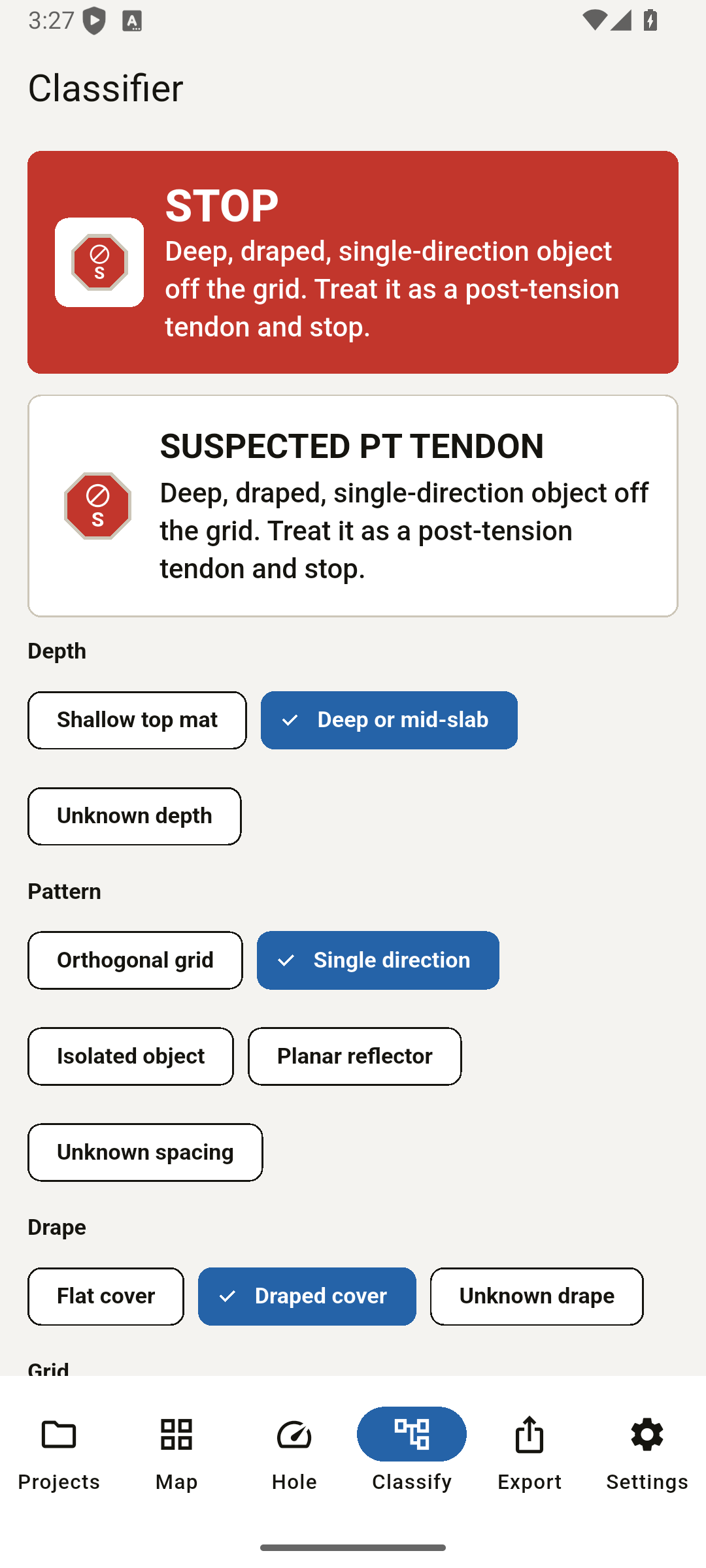
Key cover, classify the object, check embedment, solve the offset, add evidence photos, and export the scope-walk record.
Safety scope
ScanMark DC turns your scanner readings into a drill decision as a field aid. It is not a scanner, radar, structural approval, or anchor-capacity approval; it does not measure what is inside concrete and is not a substitute for a qualified scanning operator or the structural engineer. The edge-distance check is geometric clearance only and does not approve anchor capacity. Treat post-tension decks as live until proven clear, treat a lone shallow reflector as possible energized conduit, and get engineer approval before cutting structural steel. Verify every reading and decision before you drill.
FAQ
How deep can I drill into a slab without hitting rebar?
Use your scanner cover reading, subtract the instrument tolerance and a safety margin, then verify the result before drilling.
How do I tell a post-tension cable from rebar?
Rebar usually reads as an orthogonal grid. A tendon candidate is deeper, single-direction, draped, and off the bar grid. ScanMark DC stops on that signature.
Does it work without internet?
The field flow works offline. Purchase, restore, and entitlement checks use Google Play billing-backed Google Play, and whatever app you share to may need network.